
Why Computer Skills Are Important for Students and Career Growth in 2026
- Home
- Why Computer Skills Are Important for Students and Career Growth in 2026
Why Computer Skills Are Important for Students and Career Growth in 2026
Technology has become an important part of education, business, communication, and almost every modern career. Whether you are a student, job seeker, business owner, or working professional, having good computer skills can help you work more efficiently and create better career opportunities.
Today, learning computer skills is no longer limited to IT professionals. Basic knowledge of computers, office applications, internet tools, digital platforms, and modern technology can be useful in almost every field.
What Are Computer Skills?
Computer skills are the knowledge and ability to use computers and digital tools effectively. These skills can range from basic computer operations to advanced technical knowledge.
Some common computer skills include:
- Operating a computer and managing files
- Using Microsoft Word, Excel, and PowerPoint
- Internet browsing and online research
- Email and digital communication
- Basic graphic designing
- Website development
- Digital marketing
- Data management and analysis
- Programming and coding
- Using modern AI and productivity tools
The right skills depend on your career goals and the type of work you want to pursue.
Why Are Computer Skills Important?
1. Better Career Opportunities
Most businesses today use computers and digital technology for daily operations. From preparing documents and managing data to communicating with customers, computer skills are required in many different jobs.
Students who develop practical computer skills can be better prepared for internships, job opportunities, and professional environments.
2. Improve Productivity
Computer knowledge helps you complete tasks faster and more efficiently.
For example, Microsoft Excel can help organize and analyze data, while Microsoft Word can be used to create professional documents. Learning the right digital tools can save time and improve the quality of your work.
3. Useful for Students
Computer skills are especially valuable for students because education increasingly involves digital resources.
Students can use computers for:
- Online learning
- Research and assignments
- Presentations
- Projects
- Creating resumes
- Learning new skills
- Attending online courses
Developing these skills early can make students more confident when they enter higher education or the workplace.
4. Helps in Digital Careers
The growth of digital businesses has created opportunities in areas such as web development, digital marketing, graphic design, data analytics, and other technology-related fields.
Students interested in these careers can start with basic computer knowledge and gradually develop specialized skills.
Important Computer Courses Students Can Learn
There are many computer courses available for beginners and advanced learners. The right course depends on your interests and career objectives.
Basic Computer Course
A basic computer course is suitable for beginners who want to understand computers and everyday digital tools.
Topics may include:
- Computer fundamentals
- Windows and file management
- Internet usage
- Microsoft Word
- Microsoft Excel
- Microsoft PowerPoint
Advanced Excel
Excel is widely used for managing and analyzing information. Learning advanced Excel can be useful for office jobs, accounting, administration, data management, and business operations.
Students can learn features such as formulas, functions, charts, data management, and reports.
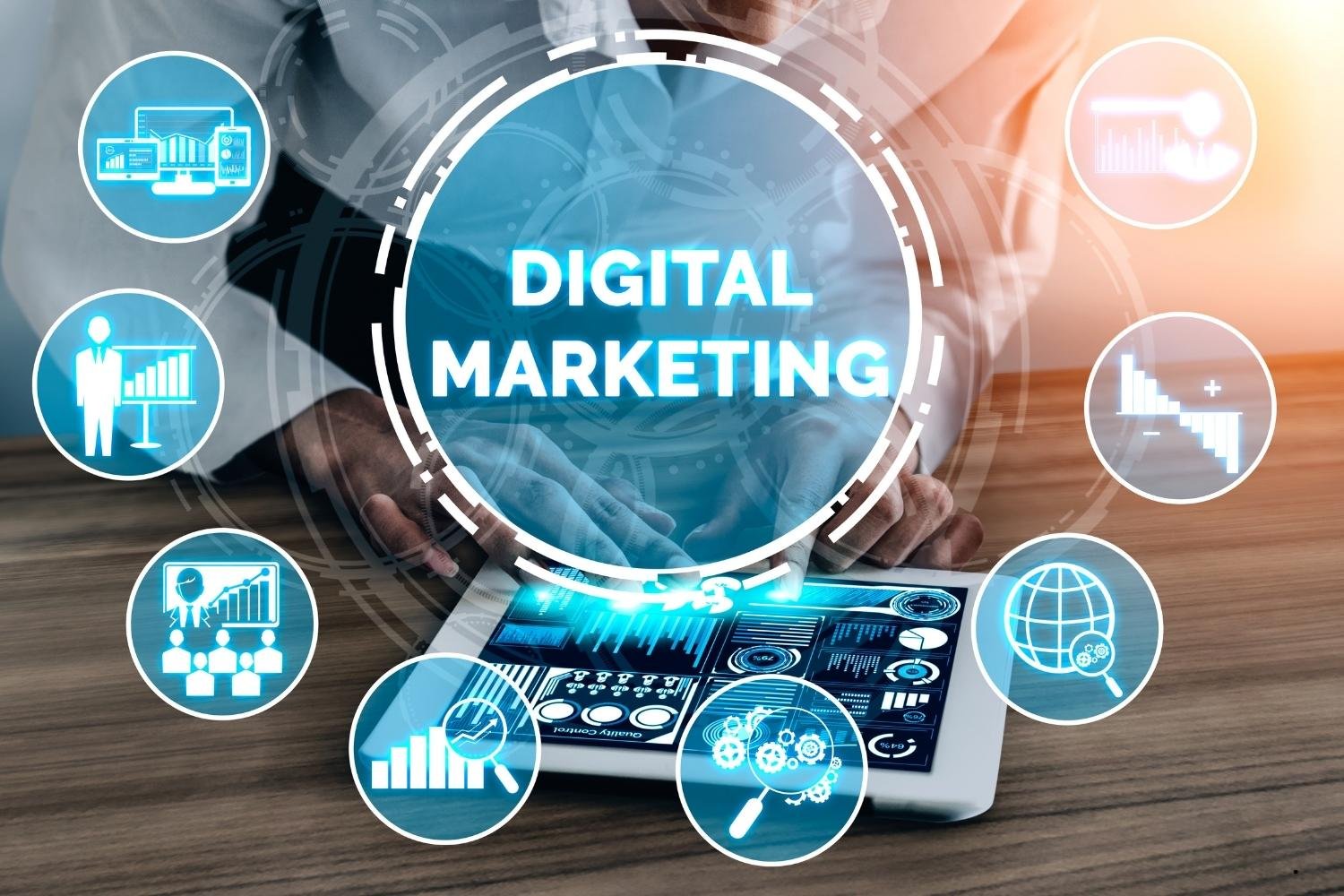
Digital Marketing
Digital marketing has become an important skill for businesses that want to reach customers through online channels.
A digital marketing course may cover areas such as:
- Search Engine Optimization (SEO)
- Social Media Marketing
- Content Marketing
- Google Ads
- Website basics
- Email marketing
- Analytics
- Online advertising
A practical digital marketing curriculum can combine SEO, social media, advertising, analytics, website skills, and content creation.
Web Development
Web development is another valuable technology skill. Students can learn how websites are created and how different technologies work together.
Depending on the course level, students may learn:
- HTML
- CSS
- JavaScript
- Responsive web design
- WordPress
- Website development fundamentals
Graphic Designing
Creative students can explore graphic designing and learn how to create visual content for websites, social media, advertisements, and businesses.
Common tools may include graphic design and image-editing software.
How to Choose the Right Computer Course?
Before joining a computer course, consider your career goal and current skill level
Ask yourself:
- Am I a beginner or do I already have computer knowledge?
- Do I want a job or want to start freelancing?
- Am I interested in technology, business, design, or marketing?
- Does the course include practical training?
- Will I get opportunities to work on real projects?
- Does the institute provide guidance for career development?
Choosing a course based on your career objective can make your learning journey more useful and focused.
Why Practical Computer Training Matters
Learning only theory may not be enough to build confidence. Practical training allows students to use the tools and concepts they learn during their course.
For example, instead of only learning about website development, students can practice creating a website. Similarly, digital marketing students can learn by working on SEO, content, social media, and advertising projects.
Practical learning can help students understand how their skills are used in real-world situations.
Start Building Your Digital Skills Today
Computer skills can provide a strong foundation for education, employment, freelancing, and entrepreneurship.
You do not need to learn everything at once. Start with basic computer knowledge, identify your career goal, and then choose a specialized course that matches your interests.
At AIT Computer Institute, students can explore computer and technology-focused learning opportunities designed to help them build practical skills for their academic and professional journey.
Whether you are a beginner or looking to upgrade your existing skills, developing computer knowledge can be a valuable step toward a more confident digital career.
Frequently Asked Questions
Which computer course is best for beginners?
A basic computer course is a good starting point for beginners. Once you understand the fundamentals, you can choose specialized courses based on your career interests.
Can students learn computer skills without an IT background?
Yes. Many computer skills can be learned by beginners without a technical background. Starting with basic computer knowledge can make it easier to move toward advanced subjects.
Are computer skills useful for non-IT jobs?
Yes. Many non-IT jobs involve computers for documentation, communication, data management, presentations, online research, and other daily tasks.
Can computer skills help with freelancing?
Yes. Skills such as web development, graphic designing, digital marketing, content creation, and data-related work can provide opportunities for freelance work.
How should I choose a computer course?
Choose a course according to your current knowledge, interests, career goals, course curriculum, practical training, and learning support.
Conclusion
Computer skills have become an essential part of modern education and professional life. From basic office applications to advanced digital technologies, learning the right skills can help students and professionals become more productive and career-ready.
The best time to start learning is today. Identify your goal, choose the right course, practice regularly, and keep improving your digital skills.